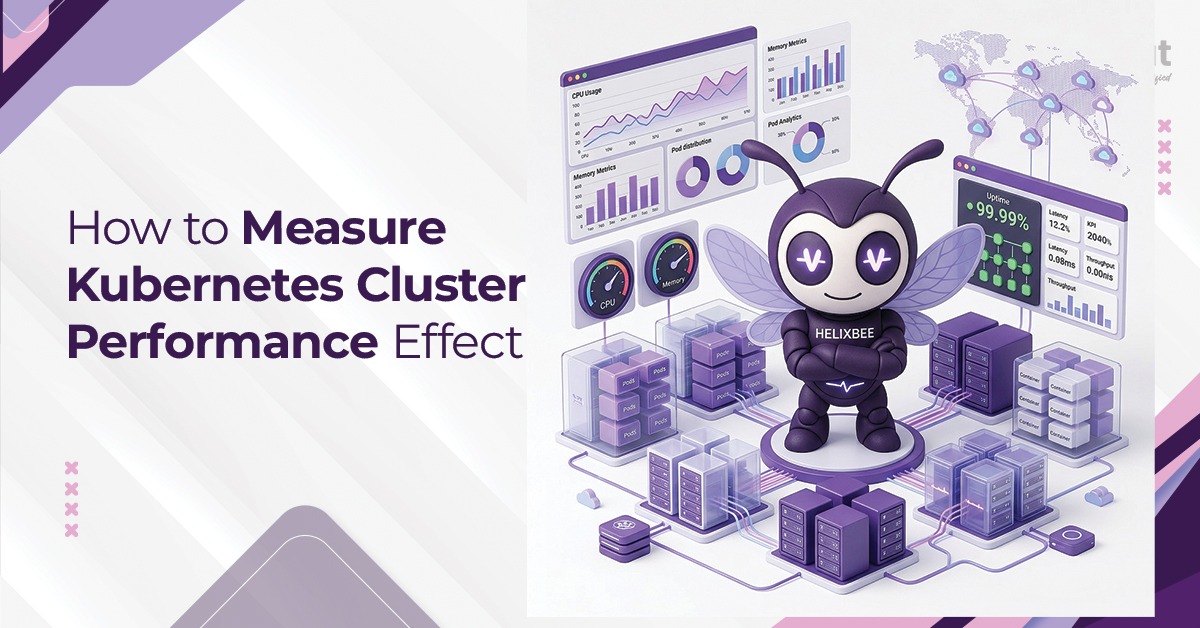
If you’ve ever pushed a Kubernetes cluster to its limits and watched it crumble under unexpected traffic, you know the feeling. The fix isn’t adding more nodes blindly. It’s knowing exactly where your cluster stands before production throws a curveball.
That’s what performance testing Kubernetes is really about. Not ticking a compliance box. Not running a one-time benchmark and calling it done. It’s about building a clear, repeatable picture of how your cluster behaves under pressure.
Let’s break down how to do that properly.
Table of Contents
Why Kubernetes Cluster Performance Is Harder to Measure Than It Looks
Kubernetes abstracts a lot. That’s its superpower, and its trap. When you’re running hundreds of pods across multiple nodes, identifying where a bottleneck actually lives takes deliberate measurement.
Further, the challenge is compounded by its dynamic nature. The Horizontal Pod Autoscaler (HPA) adds replicas. The scheduler moves workloads. Node pressure conditions trigger evictions. If you’re measuring the wrong signals or measuring at the wrong layer, you’ll miss the problem entirely.
This is why effective Kubernetes cluster testing needs to happen across multiple dimensions simultaneously: resource consumption, network throughput, control-plane health, and application-level response times.
The Four Testing Modes You Actually Need
1. Kubernetes Load Testing
Kubernetes load testing simulates realistic user traffic against your services running inside the cluster. Tools like k6, Locust, and Apache JMeter are commonly used, but the key isn’t the tool; it’s the test design.
Ramp up traffic gradually (say, 10% of expected peak every 2 minutes) while watching:
- Pod CPU and memory utilization via kubectl top pods
- HPA scaling events — is it scaling fast enough, or too aggressively?
- API server response latency
- Service-level p95 and p99 latency (not just averages — averages lie)
A well-designed load test will tell you whether your cluster can absorb normal traffic growth without manual intervention. If your performance testing strategy skips this step, you’re flying blind through your busiest day of the year.
2. Kubernetes Stress Testing
Kubernetes stress testing goes beyond normal load. The goal is to find the moment when the cluster degrades, not just slows down. You deliberately over-provision traffic, fill up node memory, or simulate disk I/O saturation to see what fails first and how the failure propagates.
This matters because failure modes in Kubernetes are rarely clean. When a node runs out of memory, the kubelet starts evicting pods based on priority classes. If you haven’t configured PriorityClass correctly, the wrong pods get killed. Stress testing reveals these misconfigurations before they become 3 AM incidents.
Common stress testing scenarios:
- Spike 5x expected traffic in under 60 seconds
- Force node pressure via memory-hungry pods and observe eviction behavior
- Introduce artificial network latency between services using tools like tc (traffic control) or a service mesh with fault injection (Istio supports this natively)
3. Kubernetes Scalability Testing
Kubernetes scalability testing asks a specific question: as your workload grows, does the cluster scale proportionally? This isn’t just about pod count; it’s about control-plane overhead.
At small scale (50–100 pods), etcd is barely stressed. At large scale (1,000+ pods, 50+ nodes), etcd write latency becomes a real bottleneck. The Kubernetes API server itself has request rate limits. The scheduler’s throughput (measured in pods-per-second it can schedule) has finite capacity.
Scalability testing should measure:
- Time from pod creation request to pod Running state (scheduling latency)
- etcd peer round-trip time as cluster size grows
- API server request queue depth under burst creation events
- Cluster autoscaler behavior when scaling from, say, 10 nodes to 40 nodes
4. Soak Testing (Long-Duration Stability)
Often overlooked, soak testing runs moderate load continuously over 12–48 hours. This surfaces memory leaks in your applications, gradual certificate rotation failures, log volume buildup consuming disk, and slow etcd compaction lag.
Soak testing is especially relevant for teams considering managed SaaS product deployments on Kubernetes, where sustained uptime is non-negotiable.
The Metrics That Actually Tell You Something
Raw pod CPU usage in isolation means almost nothing. Context is everything.
Here are the metrics worth tracking:
Control Plane Health
- etcd_disk_wal_fsync_duration_seconds – if p99 exceeds 10ms, you have a disk I/O problem on your etcd nodes
- apiserver_request_duration_seconds – API server latency broken down by verb (GET, POST, PATCH)
- scheduler_scheduling_algorithm_duration_seconds – how long scheduling decisions take
Node-Level Metrics
- Node CPU steal time (relevant in cloud environments — are your VMs fighting neighbors?)
- kubelet_pod_start_duration_seconds — time for pods to reach running state
- Network packet drop rate per interface
Application-Level Metrics
- End-to-end request latency measured from outside the cluster (not just inside)
- Error rate at the ingress controller level
- Pod restart counts (CrashLoopBackOff events are a red flag worth quantifying)
Connecting these dots is where automated testing solutions make a real difference.
Kubernetes Performance Optimization: What to Do with What You Find
Finding a problem is half the work. Acting on it correctly is the other half. Common findings and their fixes:
Problem: HPA scaling too slowly
Fix: Reduce the –horizontal-pod-autoscaler-sync-period (default 15s) to 10s, and consider custom metrics via the Metrics API instead of relying solely on CPU.
Problem: High API server latency under load
Fix: Enable API Priority and Fairness (APF) in Kubernetes 1.20+ to prevent runaway clients from starving other requests.
Problem: etcd latency spikes during compaction
Fix: Schedule etcdctl defrag during low-traffic windows, and move etcd to dedicated SSDs rather than shared storage.
Problem: Pod scheduling delays at scale
Fix: Use node affinity and pod topology spread constraints to reduce the scheduler’s search space.
Kubernetes performance optimization is not a one-time tuning exercise. It’s a continuous feedback loop. Each test cycle should produce a short list of configuration changes, a re-test, and a documented delta. Teams that treat it as a living process find their clusters consistently outperform those that treat performance as an afterthought.
For complex infrastructure decisions like these, having experienced DevOps specialists in your corner shortens the feedback loop between test and fix.
Setting Up a Repeatable Testing Pipeline
Ad-hoc performance tests provide point-in-time snapshots. What you really want is a repeatable, automated pipeline that runs on every major deployment. A solid setup looks like this:
Baseline capture – run your test suite against the current stable version and record key metrics
Change deploy – deploy the new version to a staging cluster that mirrors production topology
Automated test execution – trigger k6 or Locust scenarios via CI/CD (GitHub Actions, Jenkins, or GitLab CI work well)
Metric comparison – compare p99 latency, error rate, and resource usage against baseline; flag regressions automatically
Gate the release – fail the pipeline if latency degrades more than 15% or error rate exceeds a defined threshold
This kind of structured automated testing solution is what separates teams that find performance problems in staging from teams that find them in production.
Closing Thought
Performance testing Kubernetes isn’t glamorous work, but it’s some of the most valuable engineering time you can spend. A cluster that’s been properly load tested, stress tested, and optimized for scalability will handle traffic surprises with grace instead of catastrophic failure.
If you want to learn more about how structured quality assurance and performance testing services can help your engineering team, get in touch!
FAQs
1. What is performance testing Kubernetes, and why does it differ from traditional app testing?
Performance testing Kubernetes involves measuring not just application behavior but also the orchestration layer itself. Traditional app testing ignores the infrastructure layer, which in Kubernetes is where many production failures originate.
2. How often should I run Kubernetes load testing?
At minimum, before every major release and after any big infrastructure change (node type upgrade, Kubernetes version bump, network policy changes). Ideally, you integrate load tests into your CI/CD pipeline so every deployment is validated automatically.
3. What’s the difference between Kubernetes stress testing and load testing?
Load testing validates that your cluster handles expected traffic volume correctly. Stress testing deliberately pushes past expected limits to find breaking points, misconfigured eviction policies, or failure cascade patterns that only appear under extreme conditions.
4. Which tools are best for Kubernetes load testing?
k6 is excellent for developer-friendly scripting and CI integration. Locust works well for Python-based teams needing distributed load generation. Apache JMeter is a mature option for teams with existing JMeter expertise. For infrastructure-level stress, tools like stress-ng running inside pods simulate CPU and memory pressure directly.
5. What is Kubernetes performance optimization, and where do I start? Start with what your testing reveals. Common starting points are right-sizing resource requests and limits (over-provisioned requests waste capacity; under-provisioned limits cause OOMKills), tuning HPA thresholds, and switching from polling-based monitoring to event-driven alerting. There’s no universal optimization recipe; your data tells you where to focus.