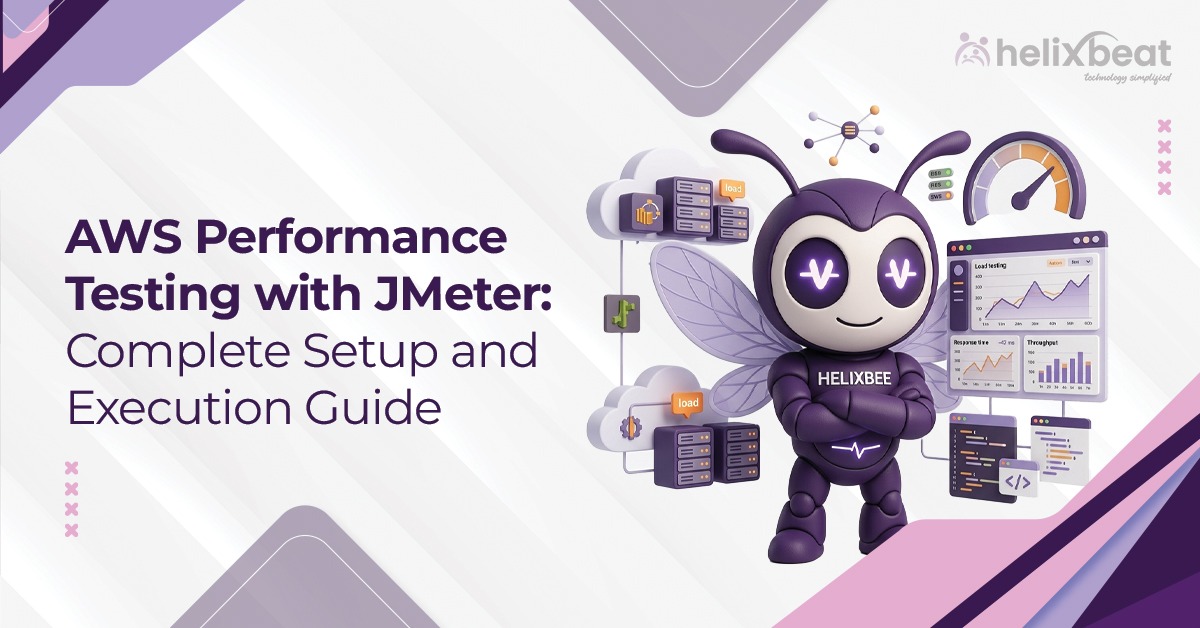
Application performance can make or break the user experience. A website that becomes sluggish during a festive sale or an application that crashes under heavy load can damage customer trust. This is why performance testing has become an important part of modern software delivery.
AWS performance testing with JMeter offers a scalable and cost-effective approach to identifying performance bottlenecks before applications reach production. In this guide, we walk you through the exact steps to set it up, run it properly, and read what the numbers are actually telling you.
Table of Contents
Why AWS Performance Testing with JMeter Makes Practical Sense
Apache JMeter is an open-source load testing tool originally designed for web applications but now widely used for APIs, databases, and microservices. Running it locally works fine for light testing, but the moment you need to simulate thousands of concurrent users from multiple geographies, your local machine becomes the bottleneck.
AWS solves this. With EC2 instances available in dozens of regions, you can spin up load generators close to your actual users, scale them elastically, and shut them down when the test ends. No hardware procurement. No idle infrastructure costs.
JMeter on AWS with EC2-based worker nodes is the backbone of most serious AWS distributed load testing setups today.
Phase 1: Planning Your AWS JMeter Testing Architecture
Before touching the console, decide on:
Controller vs. Worker nodes – The distributed mode in JMeter uses one controller (master) that sends test plans to multiple worker nodes. The controller doesn’t generate load itself; it orchestrates. Workers do the actual HTTP requests.
Instance types – For most API load tests, t3.medium or c5.large instances work well for workers. For the controller, even a t3.small is sufficient. If you’re simulating WebSocket or sustained TCP connections, move to c5.xlarge workers.
Region selection – Place workers in the AWS region that geographically mirrors your real user base. Testing a US-facing app from us-east-1 gives you far more realistic latency than testing from ap-south-1.
Security Group rules – The distributed mode uses port 1099 (RMI registry) and a range of ports for RMI communication. Therefore, open these only between your controller and worker SGs, not to the public internet.
Phase 2: JMeter EC2 Setup – Step by Step
1. Launch EC2 Instances
Use Amazon Linux 2023 or Ubuntu 22.04 LTS as your base AMI. Launch one controller and at least two worker instances. Tag them clearly (Role: jmeter-controller, Role: jmeter-worker) for easy identification.
2. Install Java
JMeter requires Java 8 or above. Java 11 (Corretto) is recommended on AWS:
bash
sudo dnf install java-11-amazon-corretto -y # Amazon Linux 2023
java -version
3. Download and Configure JMeter
bash
wget https://downloads.apache.org/jmeter/binaries/apache-jmeter-5.6.3.tgz
tar -xvzf apache-jmeter-5.6.3.tgz
cd apache-jmeter-5.6.3
In bin/jmeter.properties, make two critical changes on each worker:
server.rmi.ssl.disable=true
server.rmi.localport=4000
And set server_port=1099 explicitly to lock the RMI port. Without pinning these ports, firewalls will block the dynamic RMI handshake and your distributed test will silently fail.
4. Start JMeter Server on Workers
On each worker node:
bash
./bin/jmeter-server -Djava.rmi.server.hostname=<WORKER_PRIVATE_IP>
The -Djava.rmi.server.hostname flag is non-negotiable in VPC environments. If omitted, JMeter advertises the wrong IP and the controller can’t reach workers.
5. Run the Test from the Controller
Copy your .jmx test plan to the controller, then:
bash
./bin/jmeter -n -t your_test_plan.jmx \
-R <WORKER_IP_1>,<WORKER_IP_2> \
-l results.jtl \
-e -o ./report
This runs the test in non-GUI mode (-n), distributes it across your workers (-R), writes raw results to results.jtl, and generates an HTML report in ./report.
Phase 3: Building a Realistic AWS Performance Testing Framework
Raw load is just noise without a realistic test design. Here’s what separates meaningful AWS JMeter testing from checkbox exercises:
- Use CSV-driven data – Parameterize user credentials, product IDs, and search terms using CSV Data Set Config. Repeating the same request 10,000 times doesn’t stress your database the way real traffic does. Cached responses mask the actual bottleneck.
- Model ramp-up correctly – Don’t send 5,000 users at second zero. Use the Ramp-Up Period in the Thread Group to spread user arrival over 5-10 minutes. Sudden spikes are useful for stress testing, but shouldn’t be your only scenario.
- Add think time – Insert a Gaussian Random Timer between requests (mean: 1000ms, deviation: 300ms). Without think time, JMeter sends requests as fast as the network allows, which produces artificially high RPS that no real user ever generates.
If your application is already on AWS or you’re planning a migration, cloud migration services help architect the right infrastructure.
Phase 4: Monitoring During AWS Distributed Load Testing
Running a test without monitoring is like driving blindfolded. Therefore, wire up these sources before you start:
- CloudWatch Metrics – Monitor CPU, NetworkIn/NetworkOut, and EBS throughput on your target instances. A flat CPU during a high-RPS test often means your bottleneck is elsewhere.
- JMeter Backend Listener – Configure JMeter to stream metrics to InfluxDB (running on a separate EC2) and visualize them in Grafana. This gives you real-time TPS (transactions per second), response time percentiles (P90, P95, P99), and error rates in a live dashboard.
- RDS Performance Insights – If your backend hits RDS, enable Performance Insights. Under load, you’ll often find that slow queries or lock contention, not application code, are the true ceiling on throughput.
- ELB Access Logs – Enable access logging on your Application Load Balancer. Post-test, these logs reveal request distribution, 4xx/5xx ratios per target, and connection drain behavior under load.
Phase 5: Reading and Acting on Results
The HTML report JMeter generates includes response time distribution, throughput over time, and error analysis. However, here’s what to prioritize:
- P99 latency, not average – Averages hide tail latency. If your P99 is 8 seconds while your average is 300ms, 1% of users are having a terrible experience at scale. That translates to thousands of people during a traffic spike.
- Error rate threshold – Any error rate above 1% under normal load is a red flag. Stress tests will push this higher intentionally. Therefore, baseline tests should not exceed 0.1%.
- Throughput saturation point – Plot TPS against virtual users. The point where TPS flattens while users continue increasing tells you your system’s concurrency ceiling. This is the most valuable number the test produces.
- Garbage collection logs – If your application is JVM-based, collect GC logs during the test. Long GC pauses (>200ms) under load point to heap configuration issues, not application logic bugs.
For teams building or auditing their quality assurance process, Product Testing and QA services cover performance validation alongside functional and security testing.
Cost Management for JMeter on AWS
One thing teams consistently underestimate is the AWS bill from load testing. To keep your budget intact, here are a few guardrails:
Use Spot Instances for worker nodes. JMeter workers are stateless and interruptible. If AWS reclaims a Spot instance mid-test, you lose that worker’s thread contribution but not your test data. Plus, spot pricing typically runs 60-70% cheaper than On-Demand for c5.large.
Set CloudWatch billing alarms before starting. It’s easy to forget a worker instance running overnight.
Use AWS Fargate with Distributed Load Testing on AWS (an official AWS Solution) if you want full auto-scaling of workers without managing EC2 instances manually. It wraps JMeter in containers and scales based on target user count.
And once you’re done, terminate instances immediately. The most common cost leak in load testing environments is instances left running after the test concludes.
Final Thoughts
AWS performance testing JMeter enables organizations to validate application performance at scale without maintaining expensive testing infrastructure.
A robust AWS performance testing framework, supported by a proper JMeter EC2 setup, helps organizations build applications that remain stable and responsive under heavy demand.
Ready to build a performance testing process that actually holds up at scale? Get in touch to discuss your project.
FAQs
1. What is AWS performance testing with JMeter?
It is the practice of using Apache JMeter on AWS infrastructure to simulate traffic and evaluate application performance.
2. Why use AWS for JMeter testing?
AWS offers scalable infrastructure, rapid provisioning, and cost-effective resource utilization.
3. What is AWS distributed load testing?
It involves running multiple JMeter worker nodes across several EC2 instances to generate large amounts of traffic.
4. Which EC2 instances are suitable for JMeter?
Compute-optimized instances such as c5.large, c5.xlarge, and c6i series are commonly used.
5. Can JMeter test APIs?
Yes. JMeter supports REST, SOAP, HTTP, JDBC, FTP, and other protocols.