

Table of Contents
How Hospitals Can Manage Patients, Attendants and Official Visitors from One Dashboard
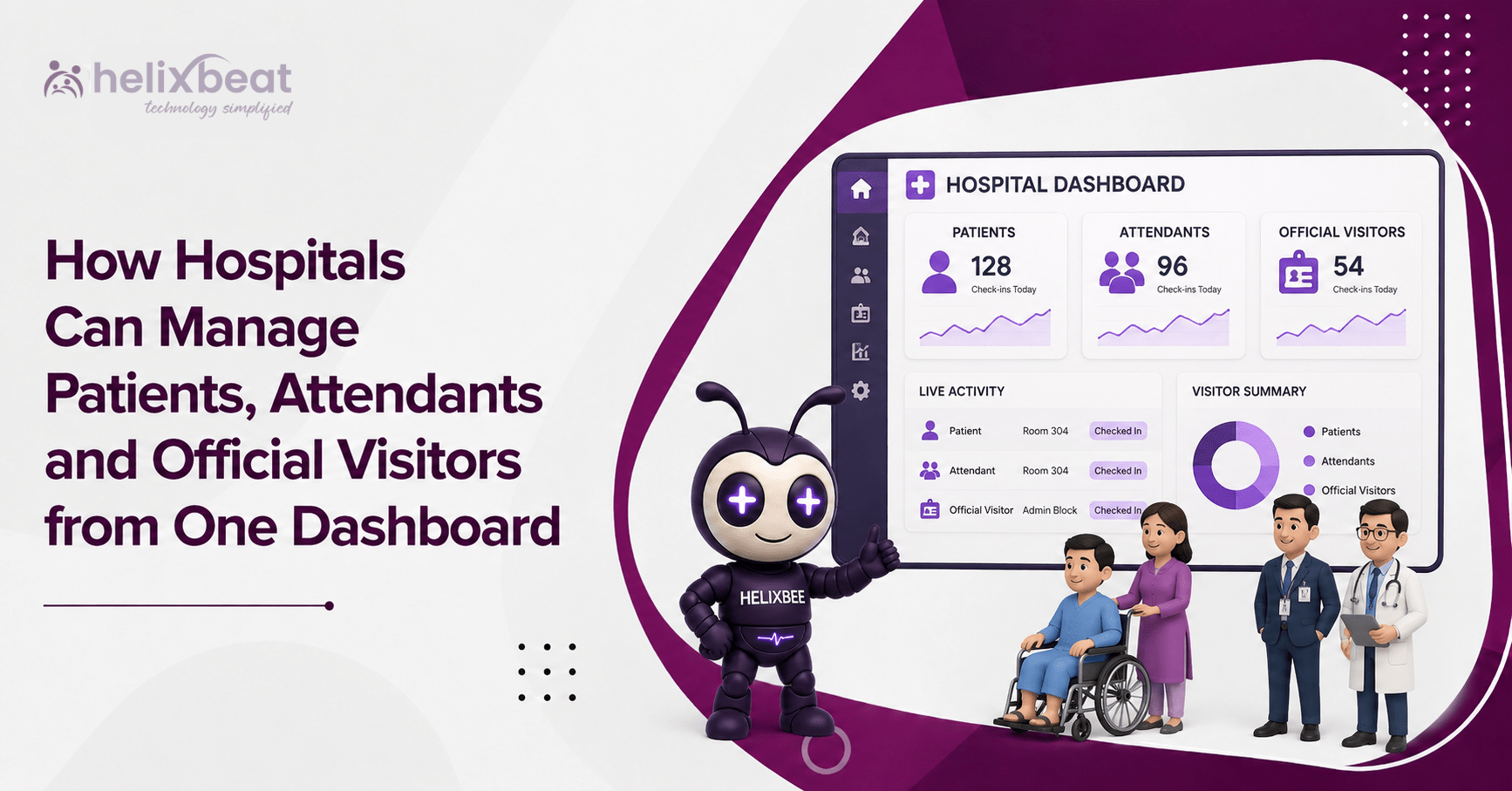
A hospital entrance handles patients, attendants, vendors, auditors and official guests at the same time. When every desk uses a different register, staff cannot quickly confirm who is inside, where they are going or whether they have checked out.
A digital visitor management system brings these movements into one view. Reception, security, administration and approved department users can see expected arrivals, pending approvals, active visits and completed check-outs.
Patients, attendants and official guests still follow different workflows, but the hospital keeps central control.
Why Separate Registers Create Problems
Paper registers create gaps as visitor volume grows. The gate may record a name, reception may issue a pass and the ward may keep another list. These records do not update each other.
Hospital visitor management then becomes slow to review. Staff may not know whether an attendant has entered, a contractor’s pass has expired or an official guest is still awaiting approval.
A digital visitor management system records each stage in one place, including arrival time, visitor type, host, destination, pass status and check-out.
A centralized dashboard for hospital visitor management also helps leaders review peak hours and common visitor categories. They can use this information to plan counters, security staff and waiting areas more effectively.
Manage Each Group Through the Right Workflow
One dashboard does not mean one process for everyone. Good patient visitor management separates visitor journeys based on purpose, access needs and duration.
- Patients
Patients may arrive for consultations, tests, procedures, admission or follow-up care. A hospital check-in system can record the purpose of arrival and direct the person to the correct counter or department.
The digital visitor management system can show expected or pre-registered arrivals, reducing repeated questions and helping staff manage queues.
It should support arrival without replacing clinical software. Patient and visitor tracking software should focus on movement, access and entry status—not diagnosis or treatment records.
- Attendants and Family Visitors
Attendants may need longer access or a multi-day pass, while family visitors may be limited to fixed visiting hours.
Patient visitor management should connect the attendant or family member with the patient, ward, approved time and pass validity. Reception and security can then confirm access without repeatedly calling the ward.
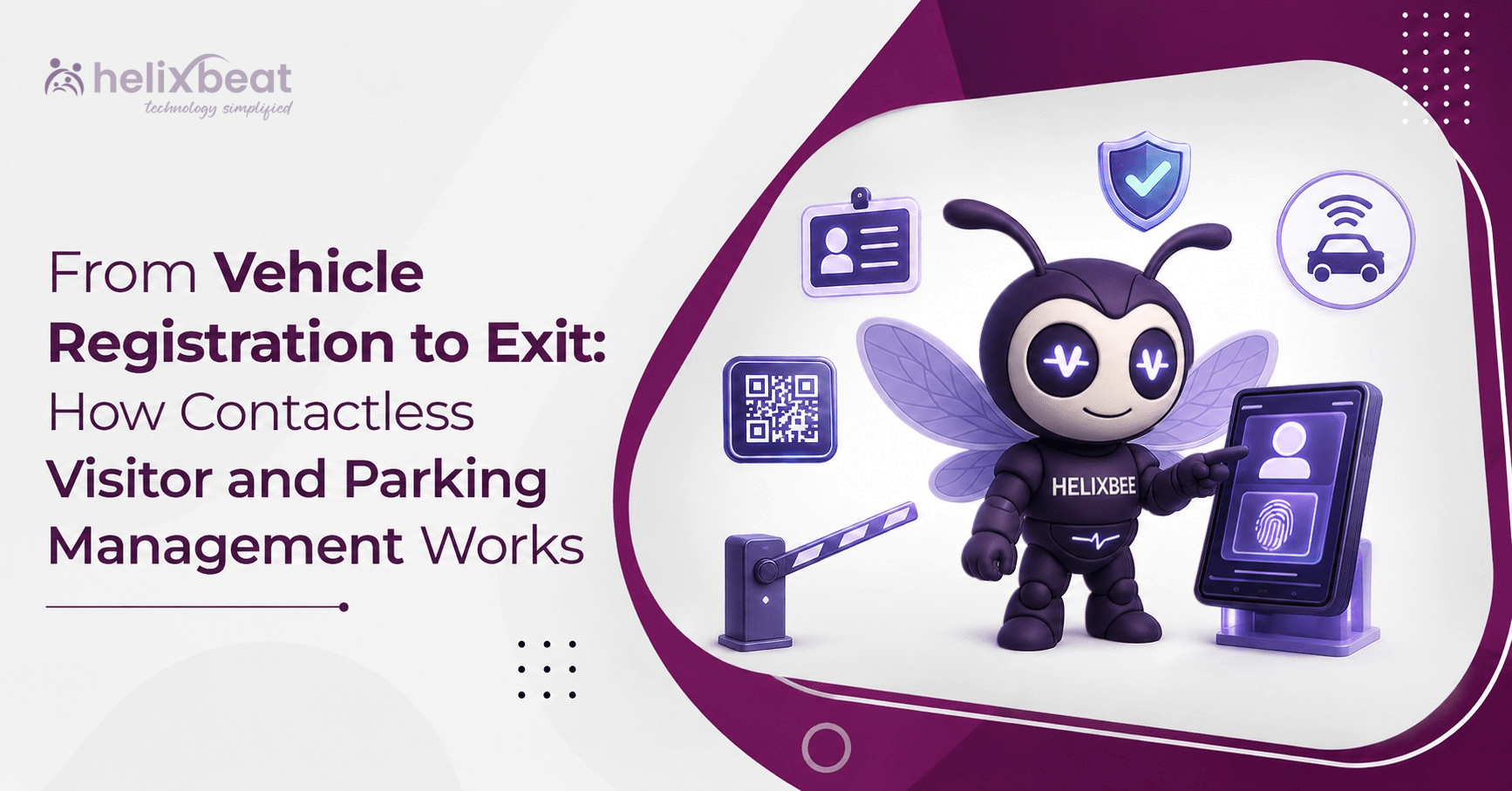
A digital visitor management system can issue a QR pass after approval and validate it again at check-out. Assisted check-in at the digital hospital reception should remain available for elderly visitors and people without smartphones.
- Official Visitors
Hospitals receive government officers, insurers, auditors, consultants, trainers and partners. These visits usually need administration or department approval.
The answer to how hospitals manage official visitors digitally is a clear pre-registration and approval flow. The host registers the visit, the responsible authority approves it and reception verifies the visitor on arrival.
Healthcare visitor software can alert the host after check-in. The digital visitor management system keeps the purpose, host, arrival time and exit record together.
- Vendors and Service Teams
Equipment engineers, maintenance teams and delivery staff may need limited access to selected areas.
Visitor control should record their company, host, work purpose, permitted area and pass duration.
A visitor management solution for healthcare facilities should also support fast check-out and automatic expiry of temporary passes. This prevents old credentials from remaining active after the work is complete.
What the Dashboard Should Show
The digital visitor management system should help staff act, not simply store information.
The dashboard can show:
- Visitors expected that day
- Patients and attendants currently checked in
- Official guests waiting for approval
- Active and expired passes
- Host and department details
- Entry and check-out times
- Visitors who have not checked out
- Visitor counts by category or location
- An emergency list of people currently inside
This view supports a faster hospital check-in system and improves the digital hospital reception by reducing calls, duplicate entries and manual searches.
Healthcare visitor software can report busy periods, frequent visitor types and delayed approvals, helping managers improve staffing and entry rules.
A Simple Front-Desk Workflow
The process can remain simple even when the hospital serves many visitor types:
- The visitor is pre-registered or registered at arrival.
- The system identifies the visitor category.
- The correct approval request is sent.
- Reception verifies the person and issues the approved pass.
- Security checks the credential at the permitted entrance.
- The host receives an arrival notification.
- The visit is closed during check-out.
A digital visitor management system connects these steps so staff do not have to enter the same information at every desk. Clear status labels also show where a delay is happening.
How VISTA Supports One-Dashboard Management
VISTA is a digital visitor management system that brings visitor information, approvals and check-in activity into a central view.
Its official product page lists a real-time dashboard, visitor pre-registration, approval controls, QR and facial-recognition-enabled touchless check-in, digital ID verification, host alerts, role-based permissions, visitor profiles, check-out records, analytics and emergency visitor information.
These functions can follow different hospital rules. A ward attendant may need department approval, an official guest may need administration approval and a service engineer may receive a time-limited pass.
The digital visitor management system keeps these workflows separate while giving authorized teams one view across gates, desks, departments and buildings.
VISTA also supports pre-registration. An expected visitor can submit details before arrival and receive a QR credential after approval. This helps the check-in process during busy hours.
For a hospital-focused use case, Helixbeat also explains how a hospital visitor management system can support touchless entry, visitor verification, live visitor status and emergency readiness.
Improve Safety Without Creating a Cold Experience
Hospitals need strong control, but entry should still feel calm. Long forms, unclear queues and repeated questions add stress.
A digital visitor management system can reduce these steps through pre-registration, assisted check-in, QR validation and visible approval status.
Patient visitor management also supports consistent visiting rules. Staff can confirm who is approved, when the visit is allowed and which area the person can enter.
The CDC’s core infection prevention practices apply across healthcare settings, while the WHO’s infection prevention and control guidance supports safer healthcare environments. Hospitals can use entry to share approved visitor instructions, hygiene requirements and restrictions.
The digital hospital reception should not make clinical decisions. It should help the hospital communicate and apply its approved policies consistently.
Benefits for Hospital Teams
Healthcare visitor software creates value when every team can use the same current information.
Reception
Reception can view expected arrivals, approvals and active visits in one place. The hospital check-in system becomes easier to manage during peak periods.
Security
Security can validate passes and identify expired credentials. The digital visitor management system gives guards current information instead of paper slips.
Nursing and Ward Teams
Ward teams can confirm whether an attendant or family visitor is approved. Patient visitor management becomes more consistent across shifts.
Administration
Administrators can review official visits, vendor activity and pending approvals. Healthcare visitor software makes internal reviews easier through searchable records.
Hospital Leadership
Leadership gets a clearer view of traffic. Hospital visitor management data can support staffing, lobby planning and policy updates.
Steps to Implement the System
Step 1: List Every Visitor Type
List patients, attendants, family visitors, official guests, vendors, contractors, students and delivery staff. Define the information needed for each group.
Step 2: Set Approval Rules
Decide who approves each visit. Role-based approval keeps the digital visitor management system practical.
For example, ward attendants may be approved by nursing staff, official visitors by administration and service teams by the facilities department.
Step 3: Define Access
Set permitted buildings, wards, floors, gates and visiting hours. A hospital check-in system should issue access based on the approved purpose.
A visitor should not receive access to every part of the hospital simply because the person has completed registration.
Step 4: Keep the Process Simple
Use short forms and assisted options. The digital hospital reception must work across languages, ages and levels of digital comfort.
Visitors who cannot use QR codes or smartphones should still be able to complete an assisted registration.
Step 5: Train Every Team
Reception, security, administration, ward teams and hosts must know their responsibilities. Healthcare visitor software works best when everyone follows the same process.
Training should cover approvals, pass verification, denied requests, expired passes and check-out.
Step 6: Review Reports
Check waiting time, missed check-outs, expired passes and approval delays. Use the data to improve patient visitor management and entry operations.
Regular reviews help the hospital identify problems before they affect patients or security teams.
One View, Better Control
Hospitals need one reliable view of patients, attendants, official visitors and service teams—not more registers.
A digital visitor management system gives each group the right entry process while keeping information available to authorized teams. Used well, the digital visitor management system supports faster approvals, clearer access rules, live status and better check-out records.
With VISTA, hospitals can build a more organized digital hospital reception, strengthen hospital visitor management and improve the hospital check-in system. The digital visitor management system offers a practical and scalable way to manage people from one dashboard.
FAQs
- What is a digital visitor management system for hospitals?
It is a platform that manages patient attendants, official guests, vendors and other visitors through one centralized dashboard.
- How does VISTA improve hospital visitor management?
VISTA supports pre-registration, approvals, QR check-in, ID verification, host alerts, access rules and real-time visitor tracking.
- Can hospitals manage patients and attendants separately?
Yes. Hospitals can create different registration, approval, pass validity and access workflows for patients, attendants and visitors.
- Does a hospital check-in system improve security?
Yes. It helps hospitals verify identities, control access, track active visitors and maintain accurate entry and exit records.