

Table of Contents
Why Visitor Movement Should Not Be Tracked in Separate Registers
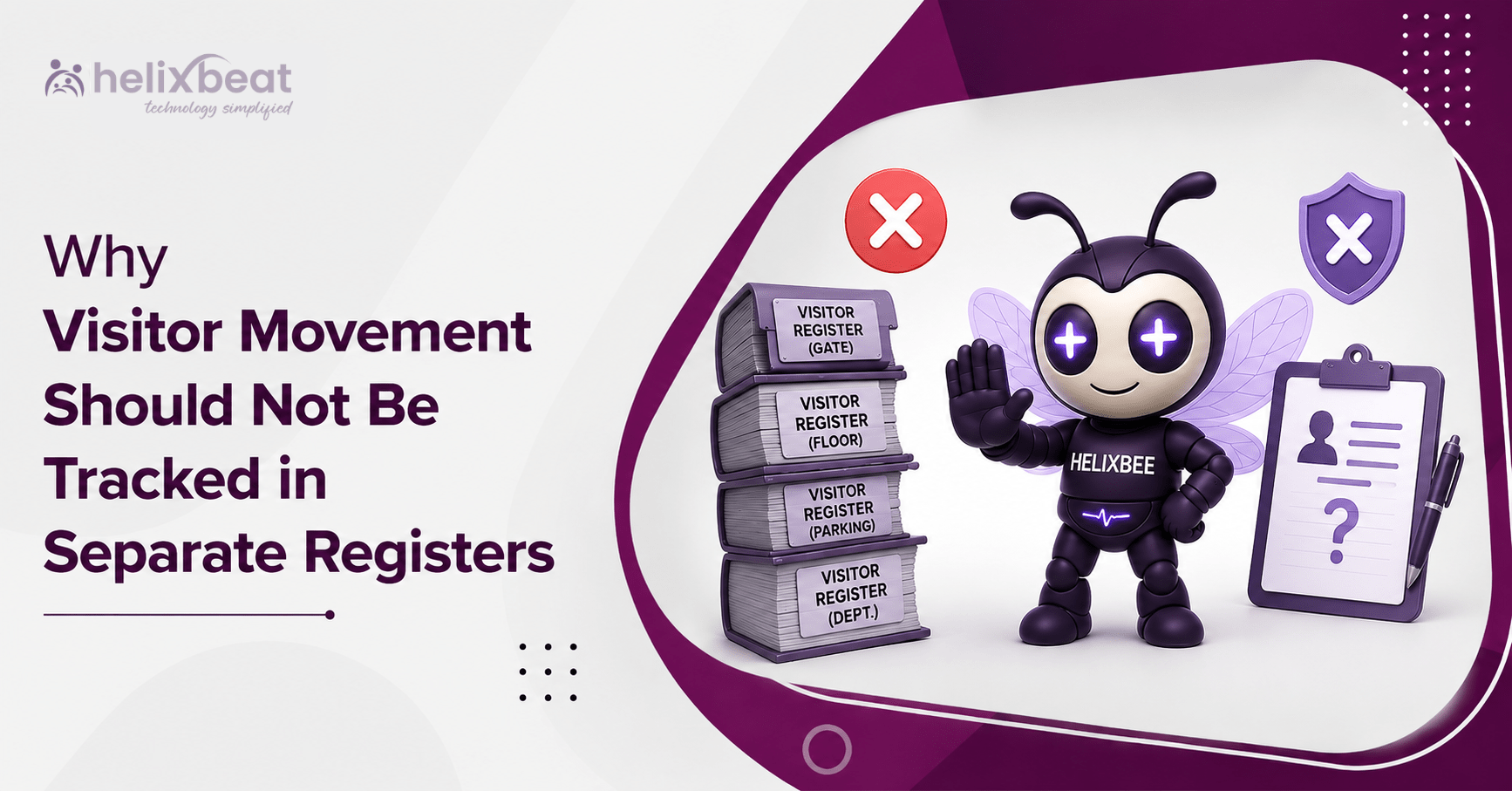
Four gates, six departments and three shifts can create 72 separate points of visitor information in one day. The same guest may appear in reception, security, parking and department records with different times or spellings. The problem is not missing data; it is that no single visitor logbook shows the complete journey.
A paper visitor logbook may appear simple at one desk. Across a growing workplace, separate registers become a security and reporting weakness. Reception knows who arrived, security knows who crossed the gate, and the department knows who attended a meeting. Yet no team holds one trusted record from invitation to exit.
Organizations need connected visitor movement tracking instead of isolated entries. They need a digital visitor register that brings approvals, identity checks, access permissions, host alerts and departure details into one clear workflow. VISTA helps businesses replace fragmented registers with a centralized, secure and searchable process.
One Visitor Should Not Create Five Records
Consider a maintenance vendor. The gate records the name in one visitor logbook, reception enters it again, facilities keeps a contractor file, parking records the vehicle, and the host confirms arrival separately.
Every department is doing its job, but the organization is creating multiple versions of the truth. The process then depends on handwriting, phone calls and manual comparison. A spelling mistake, missing check-out or unrecorded movement can make the history unreliable.
A connected visitor record system captures the visit once and makes relevant information available to authorized teams. It reduces repeated entry and supports digital visitor tracking for offices where reception, security, administration and facilities must work together.
Separate Registers Hide the Complete Journey
A traditional visitor logbook usually records arrival at one location. It may not show who approved the guest, which area was permitted, whether the guest reached the host or when access should expire.
That gap limits visitor movement tracking. A guest may be marked “inside” at the gate but “not arrived” in the department file, or may leave through another exit without an update. Teams must then compare notebooks, spreadsheets and messages to reconstruct the visit.
With centralized visitor log management, every step belongs to the same visit. Pre-registration, check-in, verification, host notification, area permission and check-out stay connected. A visitor management system for multiple departments gives each authorized team the visibility it needs without creating another duplicate record.
Manual Registers Create Security Blind Spots
Security teams need immediate answers: Who is inside? Who approved each visitor? Which guests have exceeded their permitted time? Has anyone entered a restricted area? A separate visitor logbook cannot answer these questions quickly.
A visitor logbook is passive. It records what someone wrote, but it cannot automatically alert a host, restrict a visitor category, flag an overdue visit or remove access after departure.
Modern visitor tracking software turns the entry record into an active security workflow. This external guide to visitor movement tracking explains why registration, check-in, check-out and access control should connect. That matters when offices receive contractors, candidates, clients and service teams throughout the day.
Separate Registers Slow Emergency Response
During an evacuation, an organization cannot afford to ask every department to bring its own register and compare names outside. Yet fragmented records often require exactly that.
One visitor logbook may show a person at reception, while another shows the person in a meeting room. The security sheet may have no departure time. Teams lose critical minutes deciding which record is correct.
A digital visitor register can provide a live list of people currently checked in. VISTA supports detailed tracking and quick-access evacuation lists through a centralized dashboard. This type of digital visitor tracking for offices supports faster accountability because the business is not rebuilding its visitor list during the emergency.
Fragmented Records Increase Privacy Risk
Open registers can expose previous visitors’ names, contact details, companies and meeting purposes to the next person signing in. Separate files also increase the number of places where personal information is copied or retained without a clear need.
A visitor record system should collect required information and display it according to user roles. Reception may need check-in details, a host may need information about their own guest, and an administrator may need reporting access. Not every employee should see the complete history.
A secure digital visitor register offers better control than an open notebook. This external guide to the visitor logbook discusses digital logs for audits, investigations and traffic analysis. Privacy still requires retention rules and authorized access, but fewer copies make those rules easier to apply.
Mismatched Records Weaken Audits
Suppose an auditor requests the full history of a contractor visit from three months ago. The organization may need to retrieve a gate book, reception spreadsheet, parking sheet and email approval. When names or times differ, the audit trail becomes difficult to defend.
Strong visitor log management should make records searchable and consistent. A reliable visitor record system links identity, host, purpose, arrival, access permission and exit to one traceable visit.
This is why a visitor logbook should not operate separately from approvals, access control and reporting. VISTA gives administrators real-time visitor data, approval status and analytics through one dashboard. Centralized visitor log management also makes retrieval easier without searching cupboards or chasing several teams.
More Registers Do Not Mean More Control
Organizations sometimes believe that keeping one register in every department adds security. In practice, it often adds duplication. Employees re-enter details, make repeated calls, compare mismatched records and manually prepare reports.
A visitor logbook at every checkpoint does not automatically improve oversight. Control comes from accurate information, clear permissions and timely alerts. When data is fragmented, more records create more uncertainty.
A visitor management system for multiple departments reduces these handoffs. Reception confirms arrival, hosts receive instant notifications, security monitors status, and administrators review patterns. Visitor tracking software supports this shared workflow without giving every user the same level of access.
What a Centralized Process Should Include
A centralized process should cover the full journey, not just sign-in. The essential capabilities are:
- Pre-registration and approval before arrival
- QR-code or touchless check-in
- Secure digital identity verification
- Instant host notifications
- Rule-based access according to visitor type
- Accurate check-out and access expiry
- Real-time logs, reports and analytics
- Emergency lists showing who is on-site
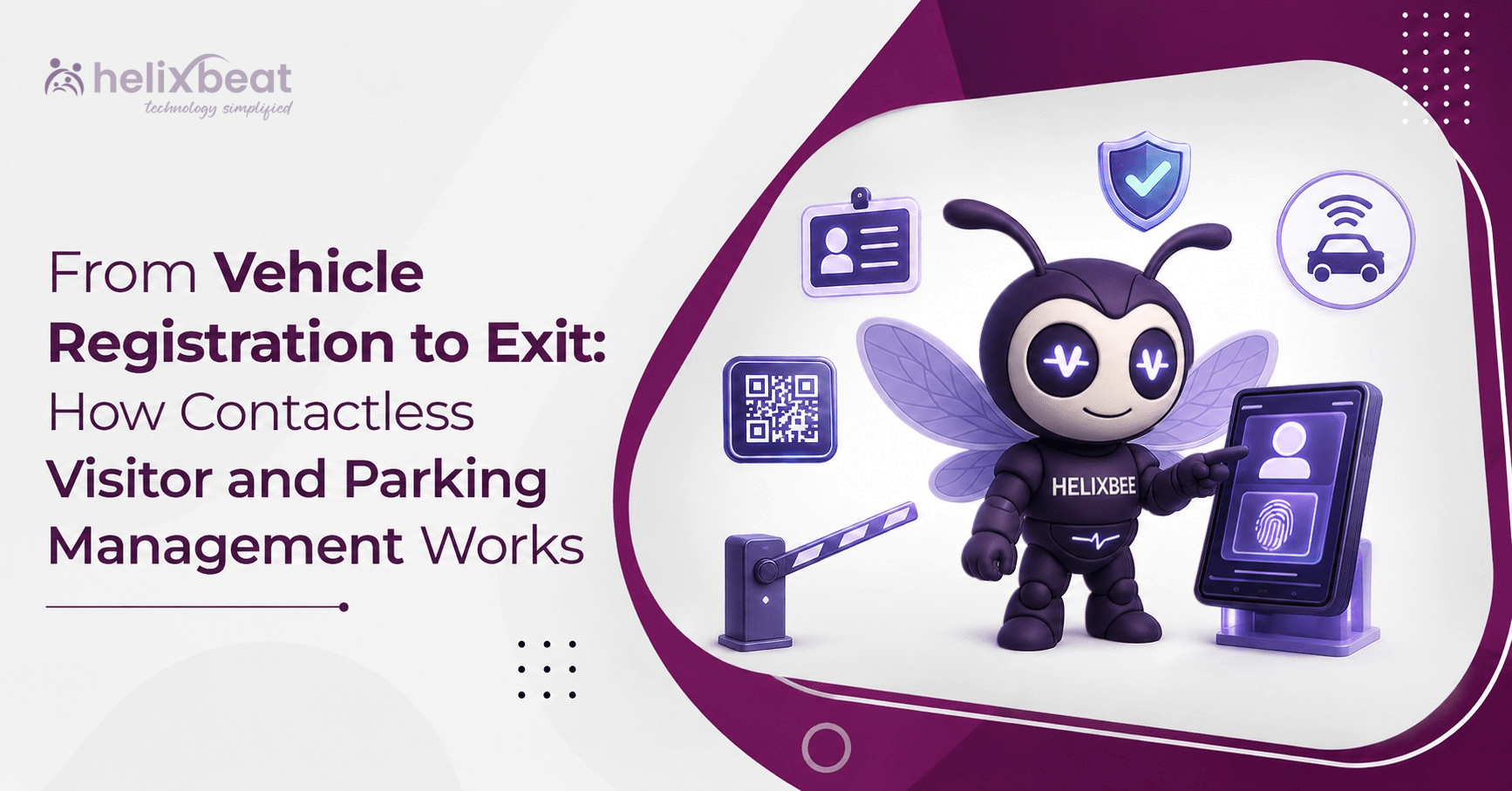
VISTA brings these capabilities together. Its digital visitor register supports QR-based check-in, digital ID verification, host alerts, role-based access, simple check-out and visitor analytics. The result is a connected process that follows the visit from beginning to end.
How VISTA Creates One Source of Truth
VISTA replaces the isolated visitor logbook with a connected workflow. A visitor can be pre-registered and receive a QR code. On arrival, the guest checks in, completes verification and triggers a host notification. Authorized teams can view the relevant status through the centralized dashboard.
The platform’s visitor record system helps the organization see approvals, check-in status and visitor patterns in one place. Rule-based access can limit where different visitor categories may go, while role-based permissions control which employees can view or change information.
This turns visitor tracking software into more than an electronic sign-in page. It supports centralized visitor log management across the people responsible for the workplace. For businesses with reception, security, facilities and several business units, a visitor management system for multiple departments creates coordination without duplicate records.
Signs You Have Outgrown Separate Registers
Your process needs attention when teams cannot confirm who is inside, visitors repeat their details, hosts are called manually, exit times remain incomplete, security reports conflict with reception records, or emergency lists must be assembled by hand.
These signs show that the visitor logbook no longer supports the workplace’s scale. They also show why visitor movement tracking must be designed as one process rather than a collection of separate tasks.
Helixbeat’s guide to the visitor logbook explains how manual gaps can create security concerns, including visitors remaining on-site without proper tracking. A digital process gives teams clearer status and stronger accountability.
Moving from a Visitor Logbook to a Connected System
Map every place where visitor information is recorded: the gate, reception, parking, security, facilities and departments. Identify repeated details and approvals happening outside the formal process.
Define one standard journey: required information, approval authority, permitted areas, access duration and the method used to confirm check-out.
Configure the centralized platform around those rules. Pilot one building or visitor category, train the teams and review early data. A good system does more than turn handwriting into typing; it removes duplication and creates accountability.
Choose visitor tracking software that can scale with locations, departments and visitor types. It should support digital visitor tracking for offices today while providing the controls needed for future growth.
Conclusion
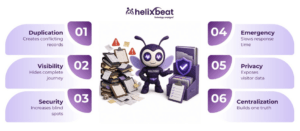
Separate registers may look organized, but they fragment the journey, create conflicting records, slow investigations, weaken privacy and make emergency accountability harder.
A visitor logbook should be part of a connected security and workplace process. With VISTA, organizations can bring registration, approval, check-in, access, host communication, tracking and check-out into one secure workflow.
The result is clearer visitor movement tracking, dependable visitor log management, a safer digital visitor register, a searchable visitor record system and practical visitor tracking software. Instead of asking several departments for different answers, teams work from one reliable source of truth.
FAQs
- What is a visitor logbook?
A visitor logbook records visitor names, arrival times, contact details, visit purposes and departure information.
- Why should visitor records not be kept in separate registers?
Separate registers create duplicate entries, inconsistent information and difficulty tracking a visitor’s complete movement.
- What is centralized visitor log management?
Centralized visitor log management stores visitor approvals, check-ins, access details and check-outs in one connected system.
- How does visitor tracking software improve security?
Visitor tracking software provides real-time visitor status, host notifications, access controls, searchable records and emergency lists.
- Can VISTA support multiple departments?
Yes. VISTA enables reception, security, administrators and hosts to access relevant visitor information through role-based permissions.