


Table of Contents
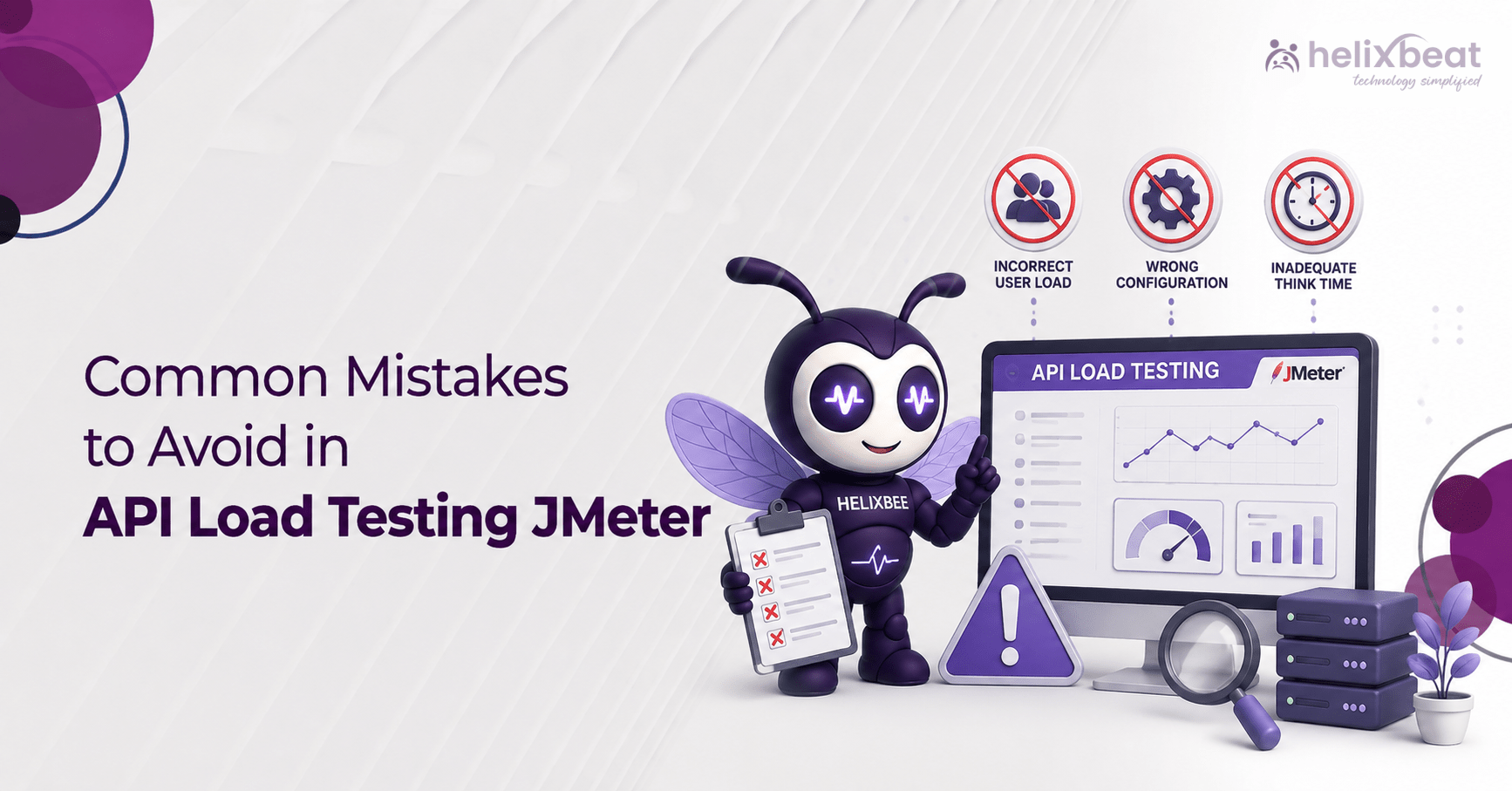
Common Mistakes to Avoid in API Load Testing Using JMeter
JMeter remains one of the most trusted tools for API load testing, and for good reason. It’s free, extensible, and built to handle everything from a single GET request to a multi-step checkout flow with a dozen dependent calls. But owning a capable tool doesn’t guarantee accurate results.
Teams run their scripts, see a green dashboard, and push to production — only to watch the API choke under real traffic a few weeks later. The gap often stems from a handful of avoidable mistakes in API load testing using JMeter. Here’s what actually trips up experienced QA teams, and how to fix each one before your next run.
Why These Mistakes Quietly Cost You More Than Time
A flawed test doesn’t just waste hours. It gives false confidence. A team ships a release believing the API can handle 5,000 concurrent users, when the script only proved it could handle 5,000 requests from a single, static, cached input set. Therefore, doing API load testing using JMeter right isn’t about running more tests; it’s about running the right ones, correctly configured.
-
Skipping Correlation of Dynamic Values
Most modern APIs return session tokens, CSRF tokens, or transaction IDs that change on every call. If a script hardcodes these values from a single recording, every subsequent request fails once the token expires. This is the single most common reason a JMeter API testing script works once and then fails on every repeat run.
The fix: use a Regular Expression Extractor or JSON Extractor to pull dynamic values from each response and feed them into the next request automatically. Getting this step right is foundational to trustworthy API load testing using JMeter.
-
Running the Actual Load Test in GUI Mode
The GUI mode is excellent for building and debugging a script. However, it’s a poor choice for generating real load. The interface itself consumes CPU and memory that should be spent simulating users, which distorts response-time numbers. For real API load testing using JMeter, switch to CLI mode with the -n -t -l flags once the script is validated, and reserve the GUI strictly for authoring. Skip this step, and you’ll tank an otherwise rock-solid JMeter API load test in no time.
-
Ignoring Realistic Think Time and Pacing
Real users pause between actions. They read a page, fill a form, or wait for a notification before the next call. A script that fires requests back-to-back with zero delay creates an artificial traffic pattern no production system will ever see. Timers like Constant Timer, Uniform Random Timer, or Precise Throughput Timer help recreate realistic pacing so results reflect actual usage instead of a synthetic burst.
-
Reusing Static or Repeated Test Data
Sending the same username, order ID, or search term thousands of times triggers caching or duplicate-key errors that wouldn’t occur with varied input. However, a CSV Data Set Config with a large, unique dataset keeps requests realistic and avoids skewed throughput numbers. The secret to believable JMeter load testing is using varied data.
-
Checking Only HTTP Status Codes, Not Response Content
A 200 OK doesn’t always mean success. Some APIs return an error message wrapped in a 200 response, especially under load when a backend service silently fails. If you only check response codes in JMeter, you can easily miss real bugs even when your tests show a green light.
Therefore, air status-code checks with a Response Assertion or JSON Assertion that validates actual payload content. This one habit alone catches problems that a surface-level API load testing JMeter script might miss entirely.
-
Overlooking Server-Side Monitoring
Response times alone don’t explain why an API slows down. Without CPU, memory, database connection pool, and garbage collection metrics captured during the run, teams are left guessing at root cause. Therefore, correlating client-side timings with server-side monitoring turns a vague “it got slow” into a specific, fixable bottleneck. Our performance testing approach leans heavily on this pairing.
-
Relying on a Single Load Generator Machine
One laptop or VM running JMeter has a ceiling on how many threads it can realistically drive before the machine itself becomes the bottleneck. If the CPU on the generator hits 90%+ during a test, the results measure your test rig, not your API. When you need to push high-volume traffic through an API, a single machine won’t cut it. Distributing load across multiple JMeter instances through a central controller removes local bottlenecks and gives you an accurate picture.
-
Rushing the Ramp-Up Configuration
Jumping straight to peak concurrent users in ten seconds tests something different from a gradual climb over ten minutes. A sudden spike reveals how the system handles shock. A slow ramp reveals where degradation actually starts. Both matter, but they answer different questions. When teams stick to a single JMeter setup for REST API load testing, they end up blind to how the system handles real-world chaos. Therefore, planning both patterns into the same API load testing JMeter cycle closes that gap.
Bringing It Together
These mistakes mostly require discipline, realistic data, and a habit of questioning a passing result instead of celebrating it immediately. The teams that get the most value from API load testing using JMeter treat the tool as one part of a larger process: realistic scenarios, correlated server metrics, and an environment that actually resembles production. Get those three right, and the dashboard finally means what it claims to mean.
FAQs
-
What is the most common mistake in JMeter API testing?
Hardcoding dynamic values like session tokens or CSRF tokens instead of extracting them per response. It causes scripts to fail after the first successful request.
-
Should a load test ever run in JMeter’s GUI mode?
No, not for the actual run. GUI mode is for building and debugging scripts. Real load generation should happen in CLI (non-GUI) mode to avoid the interface skewing results.
-
How many virtual users should I simulate for API load testing using JMeter?
Base the number on real production traffic data — peak concurrent sessions, average requests per second — rather than a round number picked arbitrarily.
-
Why does my test pass, but the API still fails in production?
Usually because assertions only checked status codes, the test environment didn’t match production, or think time and data variety weren’t realistic.
-
What’s the difference between load testing and stress testing in JMeter?
Load testing simulates expected traffic to confirm normal performance. Stress testing pushes beyond expected limits to find the breaking point.