

Table of Contents
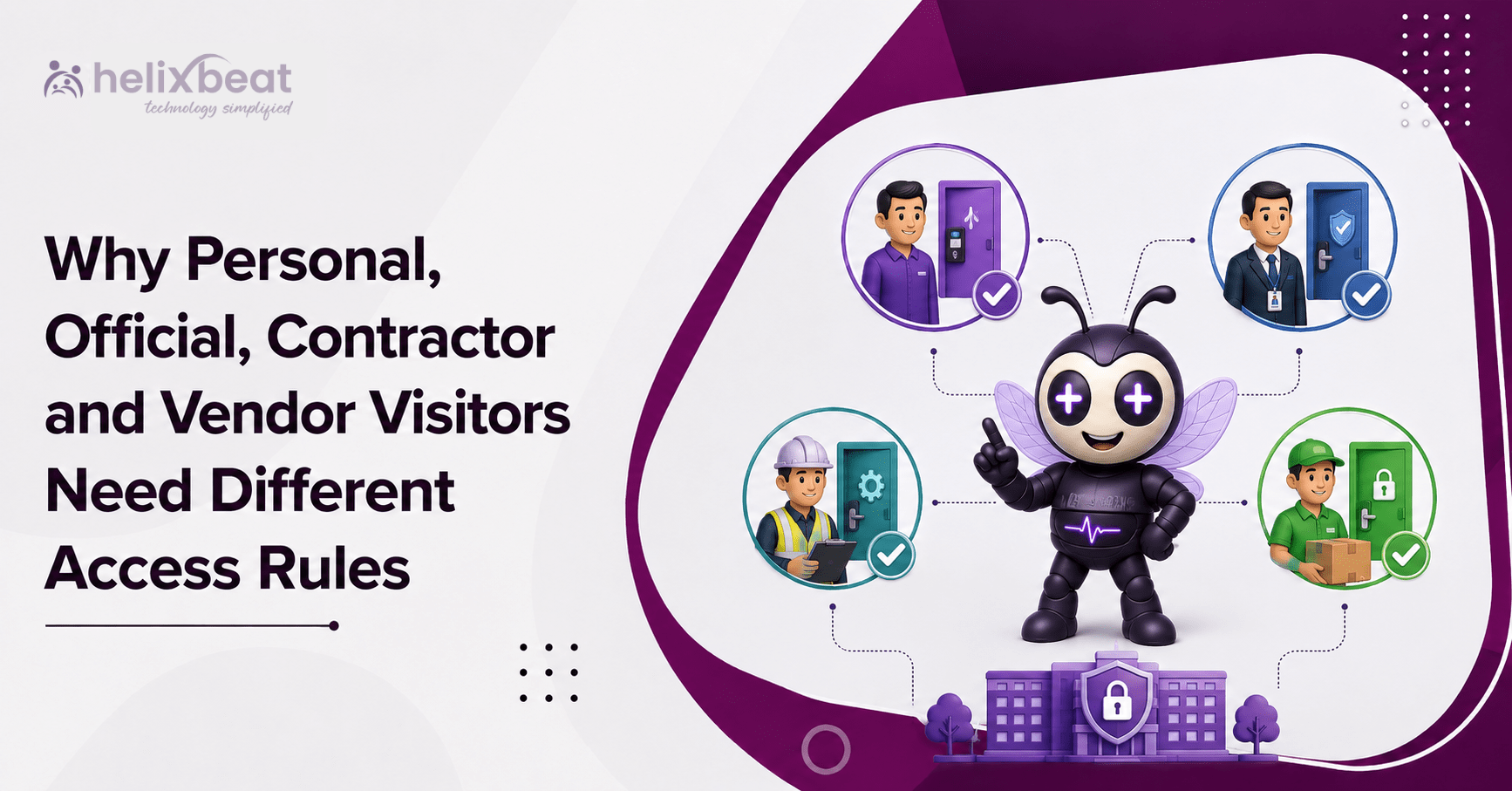
Why Personal, Official, Contractor and Vendor Visitors Need Different Access Rules
The IBM Cost of a Data Breach Report 2025 found that the average organizational cost of a data breach in India reached ₹220 million, or approximately ₹22 crore. This was 13% higher than in 2024.
The report also found that third-party vendor and supply-chain compromises caused 17% of the breaches studied in India. The HID 2025 State of Security and Identity Report also highlights the growing move towards software-led security, mobile credentials and connected access systems.
These figures show why one access rule cannot fit every visitor.
A personal guest, an auditor, a maintenance contractor and a delivery vendor enter an organization for different reasons. They also require different approvals, documents, access areas and pass durations.
Reception management software helps organizations apply the right rules to every visit. It connects visitor identity, visit purpose, approval, access permissions and check-out in one system.
Why One Visitor Pass Is Not Enough
A paper register may capture a visitor’s name, mobile number, host and entry time. However, it may not answer important security questions such as:
- Who approved the visitor?
- Why is the person visiting?
- Which floor or department can they enter?
- Does the visitor need an escort?
- How long should the pass remain active?
- Did the visitor check out?
Reception management software connects these details in one workflow. It makes visitor access control part of the complete visitor journey instead of limiting it to the reception desk.
Clear visitor categories also help guards follow a standard process. Once a category is selected, the system can apply the correct documents, approval route, access areas and pass validity.
What Should Change for Each Visitor Type?
Visitor rules should change according to four main factors:
- Purpose: A social visit is different from equipment maintenance.
- Risk: A contractor working near machinery creates different risks from a client using a meeting room.
- Duration: Some visits last 30 minutes, while others continue for several weeks.
- Location: Access may be limited to reception, one floor, a store room or a technical area.
A visitor management system with role-based access can turn these differences into standard workflows.
Reception management software also ensures that employees, guards, department heads and administrators only perform the actions assigned to them.
- Personal Visitors Need Host-Controlled Entry
Personal visitors may include friends, relatives, interview candidates and informal guests.
Their experience should be simple and welcoming. However, their movement within the premises should remain limited.
A suitable process may include:
- The employee creates or receives the visit request.
- The employee accepts or rejects the request.
- The approved visitor receives a digital gate pass.
- The guard verifies the visitor and the pass.
- The visitor enters only the approved area.
- The pass expires at the end of the visit.
Reception management software can send the approved gate pass by SMS or email as a QR code. The employee can also receive a notification when the visitor arrives.
Role-based access keeps responsibilities clear. The employee may approve the personal guest, while the guard verifies the visitor’s identity and permits entry.
The guard should not be able to change organization-wide settings or provide access to unrelated departments.
A visitor security policy should also explain how staff must handle:
- Early arrivals
- Late departures
- Unplanned personal visitors
- Requests to enter another department
- Pass extensions
These rules prevent different staff members from making different decisions for similar situations.
- Official Visitors Need Purpose-Based Permissions
Official visitors may include:
- Auditors
- Government officers
- Inspectors
- Clients
- Consultants
- Legal representatives
- Business partners
These visitors may need access to specific records, departments or operational areas. However, an official purpose should not result in unrestricted entry.
For example:
- An auditor may enter the finance department.
- A safety inspector may visit a factory floor with an escort.
- A consultant may enter one project area.
- A client may use reception, a meeting room and a demonstration zone.
- A government officer may need access to documents held by a particular department.
Reception management software can record the visitor’s organization, official identity, host, department and reason for visiting.
The request can then be sent to the relevant department head or authorized employee for approval.
This visitor access control gives the person enough permission to complete the visit without opening unrelated areas.
The visitor security policy may also require:
- Official identity verification
- Confidentiality agreements
- Department-head approval
- Employee escorts
- Restricted photography
- Additional security checks
The selected visitor categories should remain simple and easy to understand. Too many categories can delay check-in, while broad categories may create weak controls.
- Contractors Need Work, Safety and Shift Rules
Contractors may work in technical, operational or restricted locations. They may also carry tools, equipment and materials.
Their access should depend on the assigned task, approved work zone and working hours.
Important contractor checks may include:
- Contractor company details
- Supervisor’s name
- Work-order number
- Purpose of the work
- Safety-induction status
- Tools and equipment carried
- Assigned work zone
- Approved shift timings
- Project completion date
- Vehicle details
Reception management software can keep the request pending until every required approval is complete.
For example:
- Operations may approve the work.
- The safety team may verify training.
- The department manager may approve the work area.
- Security may confirm entry conditions.
- The guard may verify the contractor at the gate.
Role-based access separates these responsibilities and records who approved each stage.
This is particularly useful in Indian factories, hospitals, campuses, warehouses, construction sites and large corporate offices.
Contractor and vendor access management should also disable a pass when the approved shift, contract or project ends.
The visitor security policy must clearly define who can extend, suspend or cancel contractor access.
- Vendors Need Delivery and Repeat-Visit Rules
Vendors may include:
- Couriers
- Product suppliers
- Food-service teams
- Equipment providers
- Maintenance agencies
- Cleaning-service teams
- Logistics partners
Some vendors visit only once. Others may return every day, week or month.
Their access should consider:
- Goods or services being provided
- Receiving department
- Purchase order or appointment
- Delivery date and time
- Loading or unloading area
- Driver and vehicle details
- Frequency of visits
- Validity of company documents
Reception management software can restrict a courier to the parcel desk, a supplier to the store area and a catering team to an approved service zone.
Visitor categories can also separate one-time vendors from recurring approved vendors.
A saved vendor profile may make registration faster. However, every entry should still be connected to a valid delivery, purchase order, service request or schedule.
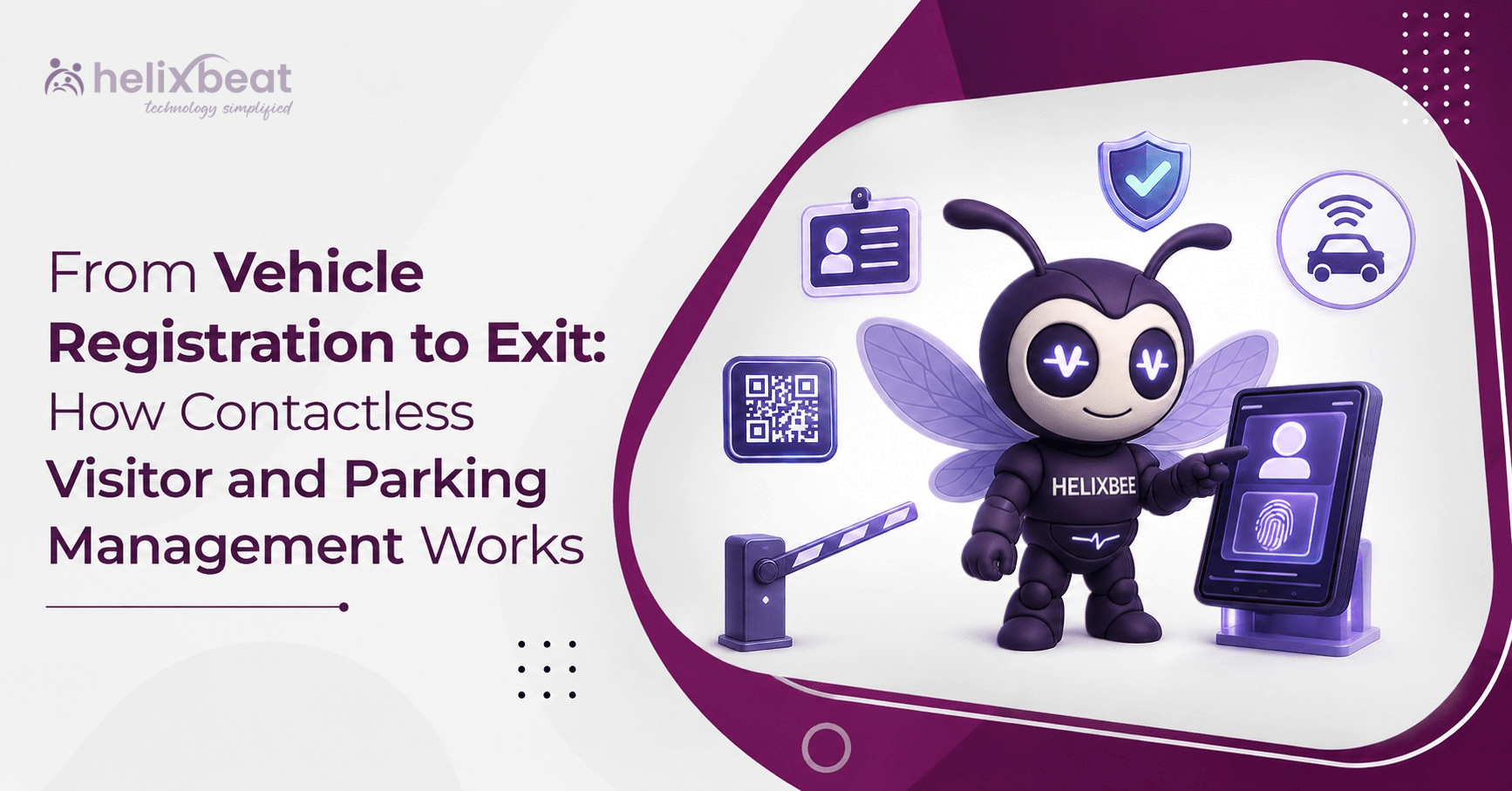
Visitor access control can also cover vehicles. Guards can:
- Register the vehicle
- Capture the vehicle image
- Record the driver’s details
- Enter the vehicle number
- Generate a digital vehicle gate pass
- Verify the vehicle again during exit
This makes contractor and vendor access management part of the same controlled entry process.
A Simple Access Matrix for Organizations
Visitor classification in access control systems becomes easier when an organization uses a clear access matrix.
| Visitor type | Main approver | Typical access | Pass validity | Additional checks |
| Personal | Employee or host | Reception and meeting area | One visit | Identity verification |
| Official | Host or department head | Approved departments | Visit or assignment period | Official ID and purpose |
| Contractor | Operations, safety and security | Assigned work zone | Shift or project period | Work order, safety and tools |
| Vendor | Procurement, stores or host | Delivery and service areas | Scheduled time window | Company, goods and vehicle details |
Reception management software can apply this structure across multiple branches, gates, departments and security shifts.
It also supports consistent visitor access policies for organizations. Guards do not have to interpret the same situation differently at different locations.
Approval Should Create a Controlled Digital Pass
A secure visitor process should begin before the visitor arrives whenever possible.
The normal process should be:
- A visit request is created.
- The authorized employee reviews the request.
- The request is approved, rejected or returned for more information.
- The approved visitor receives a QR-based gate pass.
- The guard verifies the visitor at the entrance.
- The pass works only during the approved visit period.
- Access ends after check-out or automatic expiry.
Reception management software connects approval, digital pass generation and live visitor status in one place.
Role-based access decides who can complete each action.
For example:
- Employees may approve personal guests.
- Department heads may approve official visitors.
- Safety teams may validate contractors.
- Procurement teams may verify vendors.
- Guards may verify identity and entry status.
- Administrators may manage wider permissions.
The system also creates an audit trail showing who approved the request, when the pass was generated and how long the visitor remained on the premises.
Device Integration Extends Security Beyond Reception
A digital pass becomes more effective when it is connected with physical security systems.
Possible integrations include:
- QR scanners
- Badge readers
- Door access systems
- Turnstiles
- Biometric devices
- Smart gates
- Surveillance systems
Reception management software can apply approved permissions at each access point.
For example, a visitor may be allowed to enter the main gate and meeting floor but remain blocked from a laboratory, server room, warehouse or restricted office.
This keeps visitor access control active throughout the visit. A documented visitor access control process also makes compliance reviews and security investigations easier.
The visitor credential can expire automatically after the approved visit period, reducing the risk of an old QR code or badge being reused.
VISTA supports rule-based permissions, integrations with existing security systems and automatic removal of visitor access after the visit.
How VISTA Supports Different Visitor Rules
VISTA provides a centralized dashboard for visitor information, approvals and check-in status.
It supports:
- Visitor pre-registration
- Digital identity verification
- QR-based check-in
- Host notifications
- Visitor profile management
- Real-time visitor tracking
- Simple check-out
- Visitor reports and analytics
Reception management software from VISTA can also manage users, departments, contractors, roles and permissions.
This allows an organization to follow its actual approval hierarchy instead of sending every visitor request to one administrator.
Based on the configured workflow, a visit request may be approved by the requested employee, an authorized department representative or a guard.
After approval, the visitor receives a digital gate pass. The pass remains valid for the approved visit period and can be used at authorized access points.
VISTA can also support:
- Time-bound digital visitor passes
- Different access levels based on visitor type
- Automatic access removal after the visit
- Queue tokens for high-footfall locations
- Vehicle registration and image capture
- Digital vehicle gate passes
- Employee vehicle QR verification
- Entry, exit and visitor-flow reports
The visitor security policy can reflect the requirements of each location, department and operational area.
Permission controls ensure that hosts see their own visitors, while administrators and security teams receive wider access.
Reception management software is therefore suitable for Indian corporate offices, factories, hospitals, schools, warehouses, campuses and government premises. VISTA’s official product page describes centralized dashboards, approval controls, role permissions, QR check-in, security-system integration and rule-based area access.
Build the Policy Before Configuring the System
Technology works best when the organization first documents its rules.
The policy should define:
- Approved visitor types
- Approval authorities
- Required identity documents
- Required company documents
- Permitted gates and areas
- Pass duration
- Escort requirements
- Safety requirements
- Vehicle and material checks
- Pass-extension procedures
- Emergency responsibilities
- Check-out requirements
- Data retention
- Access expiry
Reception management software can then apply these rules consistently across locations.
It can also show:
- Rejected requests
- Expired passes
- Visitors still inside
- Frequent visitors
- Unusual access attempts
- Contractor visit history
- Vendor entry patterns
The visitor security policy should be reviewed whenever departments, projects, contractors or security devices change.
Visitor categories and approval rights should be updated at the same time. Visitor access policies for organizations must reflect current operations rather than old assumptions.
Final call
Personal visitors, official visitors, contractors and vendors enter an organization for different reasons. They should not receive the same approval process, pass duration or access level.
Reception management software helps Indian organizations identify each visitor, send the request to the correct approver, generate a time-bound digital pass and restrict movement to approved areas.
A strong visitor process should always answer five questions:
- Who is visiting?
- Why are they visiting?
- Who approved the request?
- Where can the visitor go?
- When does the access end?
When clear visitor categories, connected security devices and role-based access work together, organizations can improve safety without making reception slow or difficult.
Reception management software makes these rules easier to follow, monitor and audit throughout the visitor journey.
FAQs
- Why do different visitor types need different access rules?
Personal guests, official visitors, contractors and vendors enter for different purposes. Separate rules ensure that each visitor receives only the approvals, access areas and pass duration required for the visit.
- How does reception management software improve visitor security?
Reception management software verifies visitor details, sends requests to authorised approvers, generates digital gate passes and tracks entry and exit from one central dashboard.
- What access should contractors and vendors receive?
Contractors and vendors should receive access only to approved work, delivery or service areas. Their passes should be linked to valid work orders, schedules, shifts or purchase orders.
- How does role-based access work in visitor management?
Role-based access gives different permissions to employees, guards, department heads, safety teams and administrators. Each person can only approve, verify or manage the actions assigned to their role.